

User Roles
There are two types of users that can be invited to join your validator organization: Admins and Members.
Admins can add or remove members as well as assign a new admin (thereby revoking their admin status). Admins are also able to create lockups for the validator org.
Both Admins and members are able to view the Validator's dashboard and details about created lockups as well and total stake deposited so far.
Inviting Team Members
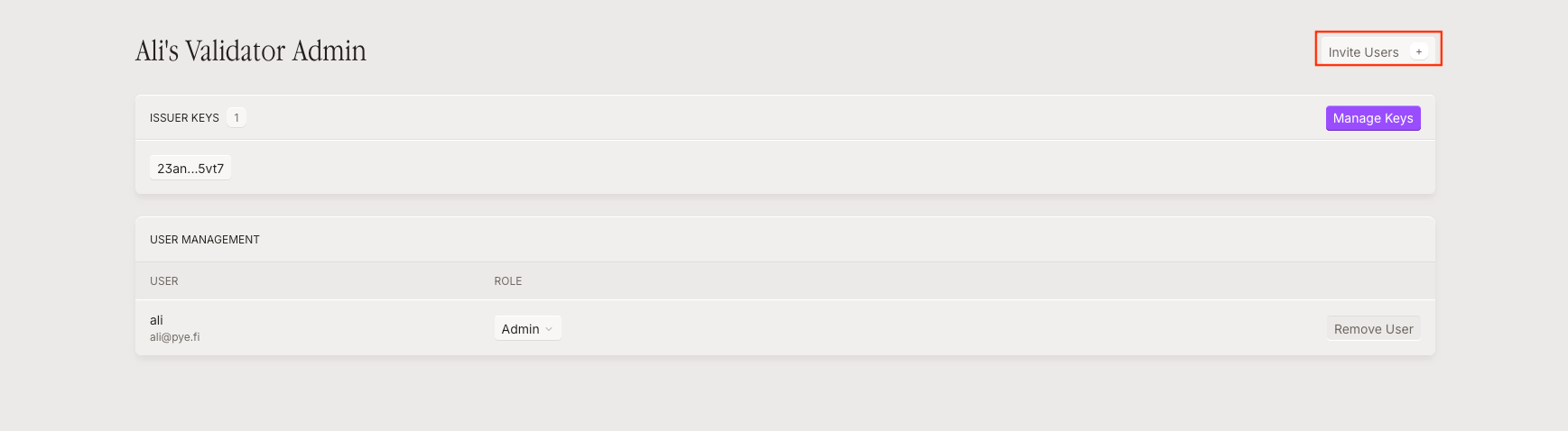
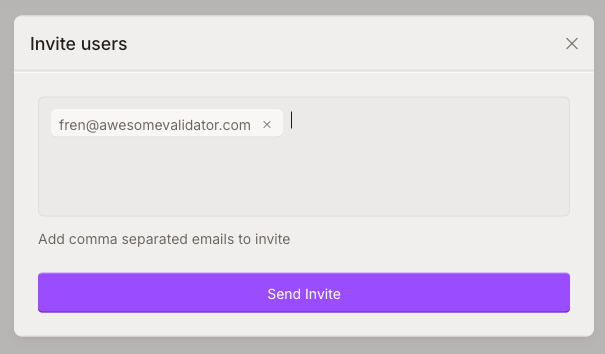
STEP 2: Add the emails of all team members.
Clicking 'Send Invite' will send an invitation email for them to join the validator organization.
Last updated